Why Is My Business Not Showing on Google Maps?
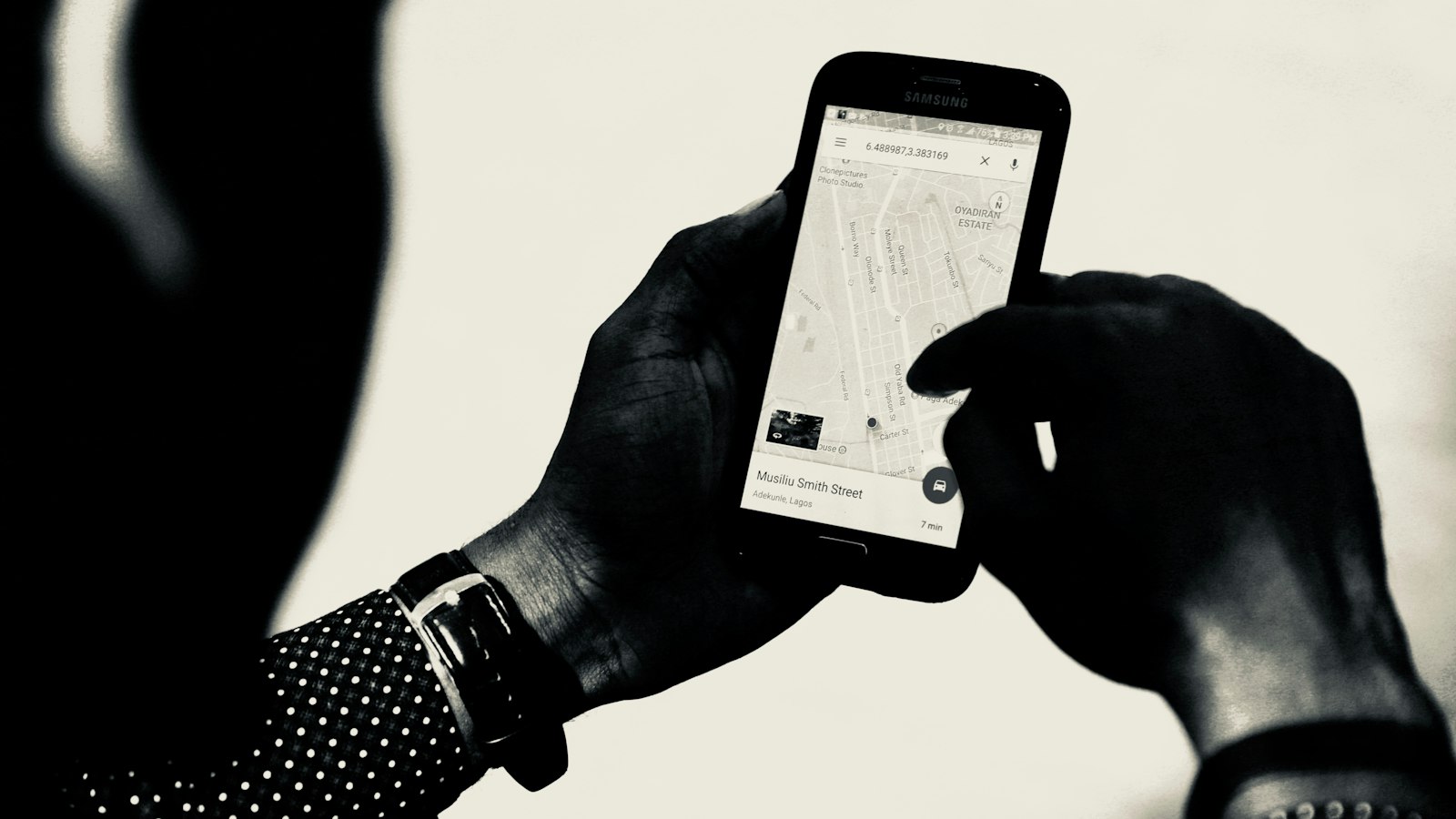
If your business isn't showing on Google Maps, the cause is almost always one of two things: Google doesn't have a working, verified profile for you, or it has one but doesn't think you're the best answer for the search. The first is a setup problem you can fix in an afternoon. The second takes longer, and it's where most businesses actually get stuck.
Start by working out which one you have, because the fixes are completely different.
- Search your exact business name on Google Maps. If you don't appear even then, the problem is your profile: unverified, suspended, duplicated or under review.
- If you appear for your name but not for "[what you do] near me", the problem is ranking: Google judges relevance, distance and prominence.
- Fix the profile first, then work on relevance (category and details) and prominence (reviews, photos, mentions). You can't pay for a better local position.
The two-minute test
Open Google Maps on your phone and search for your business name exactly as it appears on your signboard. Then search for what you do in your area, the way a customer would: "dentist in Kothrud", "plumber near me", "birthday cakes Indiranagar".
| What you see | What it means | Where to look |
|---|---|---|
| You don't show up even for your own name | Profile problem | Sections 1 to 4 below |
| You show up for your name, but not for what you do | Ranking problem | Sections 5 to 8 below |
| You show up, but with the wrong address, hours or name | Details problem | Section 3 and the "suggested edits" note |
1. The profile isn't verified
An unverified Business Profile often won't appear on Maps at all, or appears without the details that make people trust it. Google's own advice for local ranking starts with verification. Sign in to your Business Profile and check whether it still asks you to verify. If it does, finish it: depending on your business, Google offers options such as a phone call, text, email or a short video.
If you verified recently, give it a few days before deciding something is wrong.
2. There are two profiles for one business
Google's guidelines say there should be only one profile per business, because duplicates cause problems with how your information displays on Maps and Search. Duplicates happen more than you'd think: a previous owner made one, a customer added the shop years ago, or you made a new one when you couldn't get into the old one.
Search your name and phone number on Maps. If two listings show up, claim the one with more reviews and ask Google to remove or merge the other through Business Profile support.
3. Something in the profile breaks Google's rules
Profiles get limited or suspended for breaking the guidelines, and the most common reason is the business name. Google wants your real-world name, as used on your storefront, website and stationery. Adding extra words, like "Sharma Dental Clinic | Best Root Canal in Pune", isn't permitted and can lead to suspension.
Other common problems:
- An address at a virtual office or a rented mailbox where you don't actually work. Google says those locations aren't eligible.
- A service-area business (a plumber, a home tutor, a cleaning service) showing a home address. Google asks you to hide the address and list the areas you serve instead. Your business then shows across those areas without a pin.
If your profile shows as suspended, fix the cause first, then request reinstatement from the Business Profile dashboard.
4. A recent edit is under review
Changing your name, address or category can put the profile under review for a while, and during that time it may not show normally. Make big changes one at a time, and don't keep re-editing while a review is pending, since that can restart it.
Also check for "suggested edits". Anyone can suggest changes to a business on Google, and sometimes they're accepted. If your hours or phone number changed without you touching them, that's usually why.
5. You picked the wrong main category
This is the most common reason a verified business doesn't show for what it does. Google uses your primary category heavily to decide which searches you're relevant for. A bakery listed only as "Shop" won't come up for "cake shop near me".
Pick the most specific primary category that matches your main business ("Pediatric dentist", not just "Dentist", if that's what you are), then add secondary categories for the other things you offer.
6. Your profile is thin
Google says relevance is how well a profile matches what someone searches, and that complete, detailed information helps. Fill in everything that applies: hours (including holidays), services with short descriptions, attributes like wheelchair access or home delivery, and a description that says plainly what you do and where.
Add real photos of your shop, your work and your team. Google lists photos among the ways to improve your local ranking.
7. You're too far from the person searching
Distance is one of the three things Google ranks on, and you can't change where you are. If someone searches "pharmacy near me" from three kilometres away, the pharmacy around the corner from them will usually win.
What you can change is how strongly you match for the searches you do have a chance in: your own neighbourhood, and the specific services where you're the best option.
8. Not enough people know about you yet
Google calls this prominence: how well-known a business is. It looks at things like your reviews and ratings and links to you from other websites. A shop with 12 reviews will struggle against one down the road with 400, even with an identical profile.
The fix is steady, not quick. Ask every happy customer for a review and reply to all of them, get listed on local directories with the same name, address and phone, and link your Google profile to a website that describes what you do. Our guide to getting more Google reviews covers the reviews part step by step.
You can't pay your way onto the map
Google is direct about this: there's no way to request or pay for a better local ranking. Ads on Maps exist and are marked as ads, but they don't change where your profile ranks. Be wary of anyone who promises a guaranteed top spot.
If you'd rather hand it over
Everything above is doable on your own, and it's worth doing. If you don't have the time, it's part of what we do: on our Found and Known plans, we set up your Google listing, keep it fresh, and ask for and answer your reviews every month. Get in touch and we'll tell you what's holding your listing back.
Questions
Why is my business not showing on Google Maps after verification?
Verification makes the profile eligible to show; it doesn't make it rank. If you can find yourself by name but not by what you do, check your primary category, fill in every detail and start collecting reviews. If you can't find yourself even by name a few days after verifying, check for a duplicate profile or a suspension notice.
Why does my business only show when I search the exact name?
Because Google doesn't yet think you're one of the best matches for broader searches. That's a ranking question: relevance (category and details), distance from the searcher, and prominence (reviews, ratings, mentions on other sites).
Why did my business suddenly disappear from Google Maps?
Usually a suspension, a recent edit under review, or a suggested edit someone else made, such as marking the business closed. Check the Business Profile dashboard for notices first.
Can I show on Google Maps without a shop address?
Yes. If you travel to customers, set up a service-area profile, hide your address and list the areas you serve. You'll show for searches in those areas without a pin on the map.
Can someone pay to get my business ranked higher on Google Maps?
No. Google says there's no way to request or pay for a better local ranking. Paid ads appear separately and are labelled as ads.